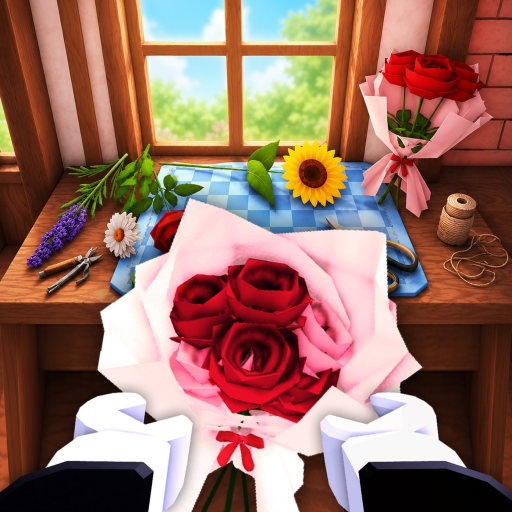
Fill the available plots
Plant what the current UI offers before leaving. The official description says flowers can continue growing offline.
Use one repeatable planting → harvest → craft or sell session to decide what to do next.
Fill available plots, return for the harvest, check the current customer or craft request, sell or deliver what the UI supports, then compare the next visible staff or shop upgrade. This page does not claim a best layout or exact profit rate.
Plant what the current UI offers before leaving. The official description says flowers can continue growing offline.
Harvest ready flowers, then choose one target: a visible order, a bouquet, a sale, or the next shop bottleneck.
Follow only the ingredient, recipe, and customer requirement shown in the current game screen. Do not import a community recipe as fact.
Write down the visible cost and effect of a staff or shop upgrade, then check whether it improves the next cycle before buying another one.
A single run can tell you what happened in your shop. It cannot establish the best flower, worker, layout, or profit rate without repeated evidence and a current source.